Feature · Documentation Library
Descriptions, solutions, standards, guidelines.
Attached to every finding.
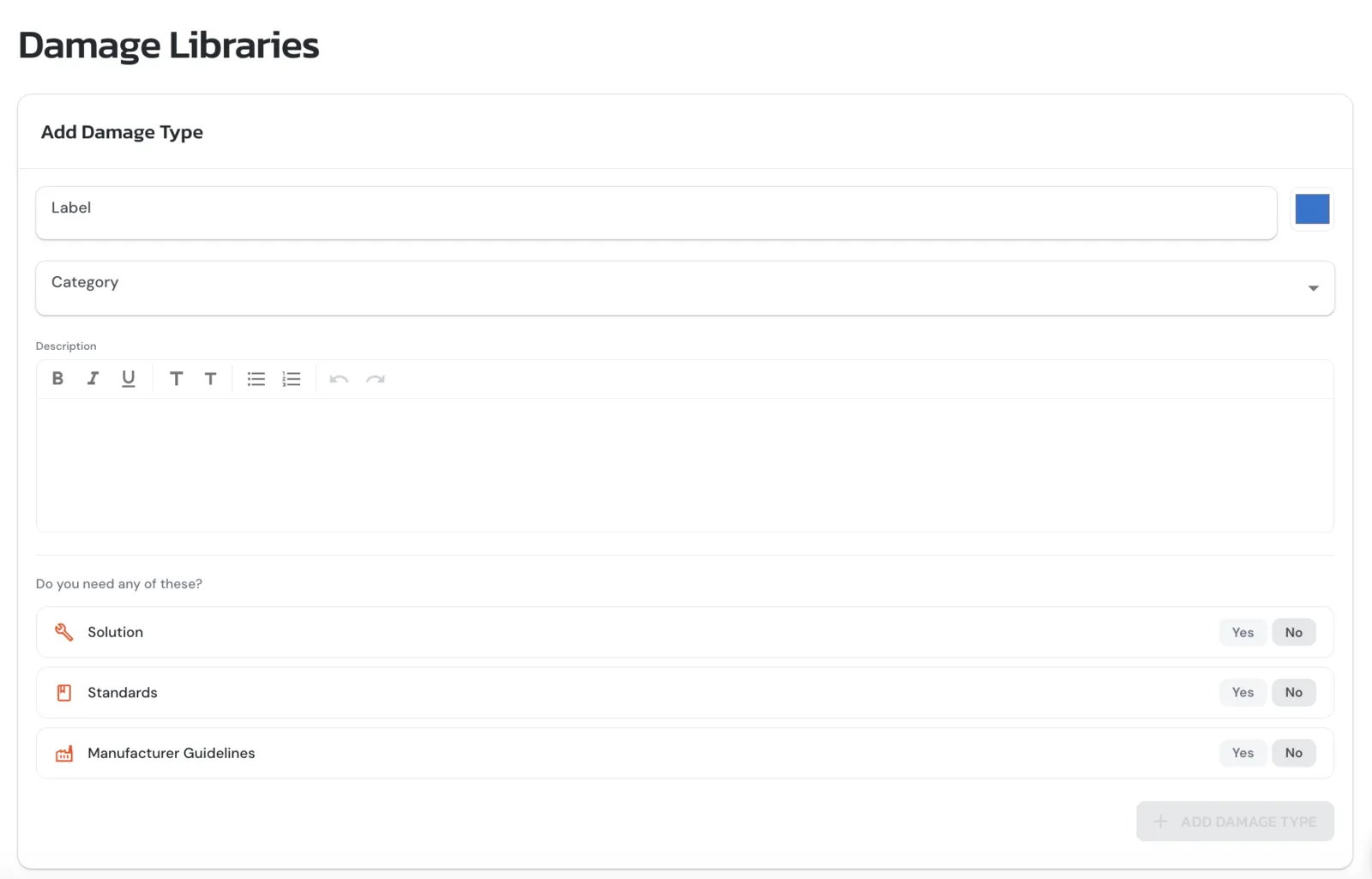
When you add a detection, the Documentation Library surfaces the references that belong with it, a written description of the issue, the recommended solution, the applicable building standard, and any relevant manufacturing guidelines. Attach as much documentation to a finding as the job needs. Pick from the library, customise the copy, or write your own from scratch.
How it works
- ●Four content types in one searchable library: descriptions, solutions, building standards, and manufacturing guidelines
- ●AI-Assisted Damage Labels & Solutions, type the name of the damage, press Generate, and the description and recommended solution auto-populate
- ●Attach as many entries as a finding needs, one description, one solution, multiple standards, multiple manufacturer guidelines, whatever the report calls for
- ●Rich-text editor for any entry, customise or rewrite
- ●Save any label, description, solution, standard or guideline to your settings, write it once in ARIS and reuse it on every job after, across the whole team
Outcome
Write a label, description or solution once. Attach it to every matching finding from then on, consistent across the team, audit-ready for the insurer, and never re-typed.